Stage 01
Connect
Connect directly to the systems your projects already use — P6, Primavera Cloud, Aconex, Unifier, ERP, BIM, IoT and more. No duplicate entry. No change to how your teams work.
Pioneering AI solutions for construction tech
Executive Eye connects schedule, cost, contracts, documents, BIM and field data on one live canvas. AI agents monitor your project around the clock — flagging what is slipping, explaining why, and surfacing the context your teams need to act.
See it in action
See how Executive Eye connects your project ecosystem, brings the right intelligence to every role, and turns what’s happening across your projects into decisive action.
The gap
Your project lives across nine systems.
Decisions shouldn’t.
Schedule. Cost. Contracts. Documents. BIM. Site data. Each team sees a different part of the project — and critical issues can take days or weeks to emerge as a complete picture. Executive Eye closes the gap. It connects information at the source, brings the pieces together and continuously watches for what is changing — giving every stakeholder the context to understand what matters and take decisive action.
How it works
Your teams keep working in the systems they already use — Executive Eye does the rest.
Connect directly to the systems your projects already use — P6, Primavera Cloud, Aconex, Unifier, ERP, BIM, IoT and more. No duplicate entry. No change to how your teams work.
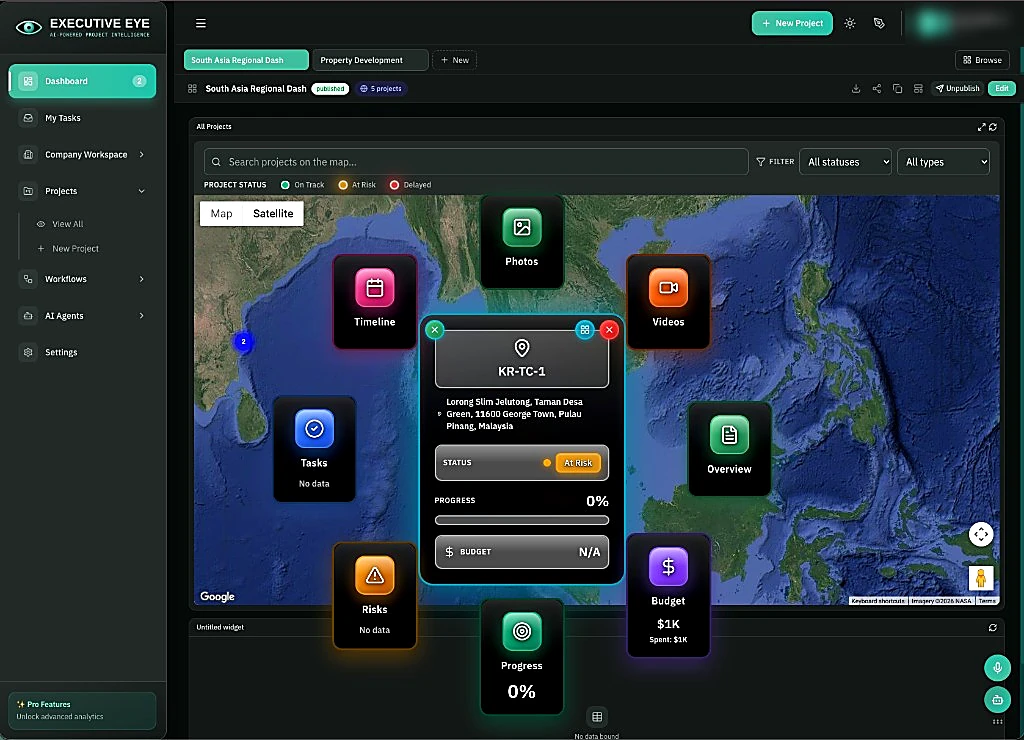
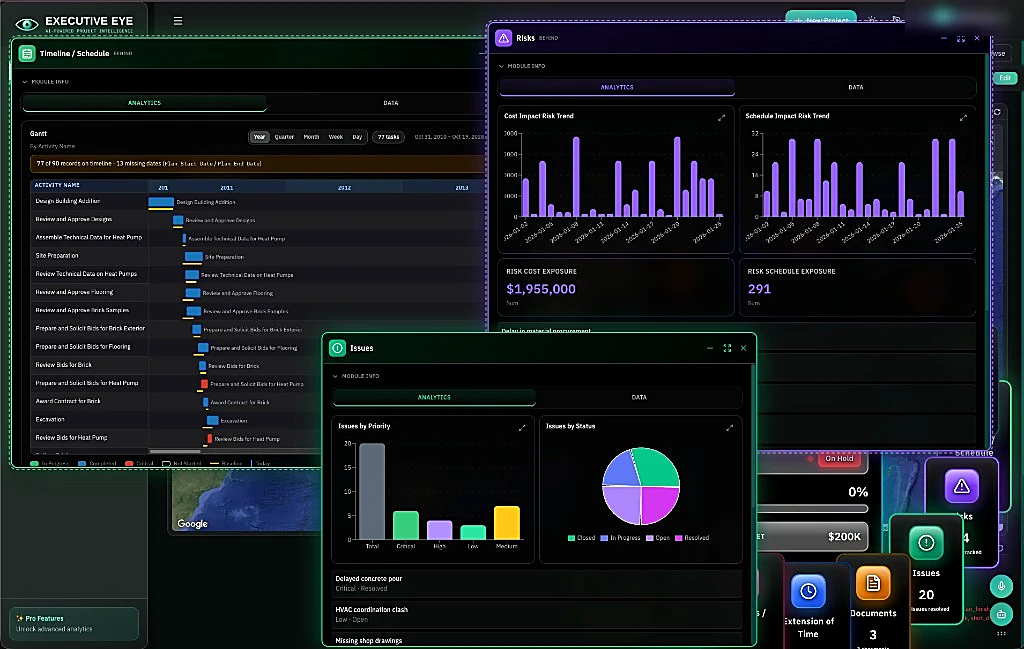
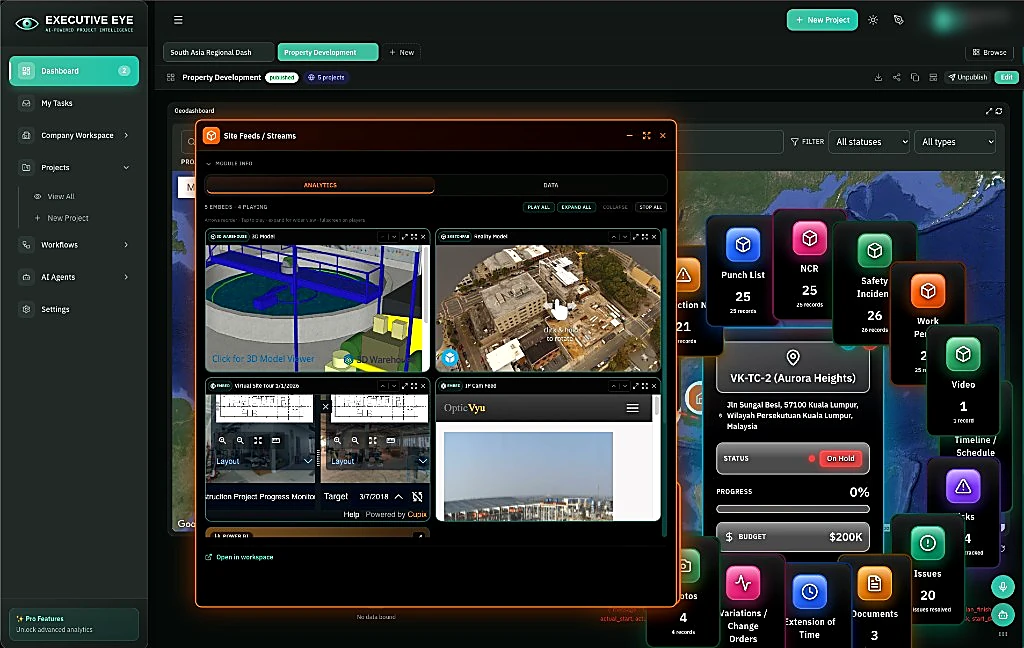
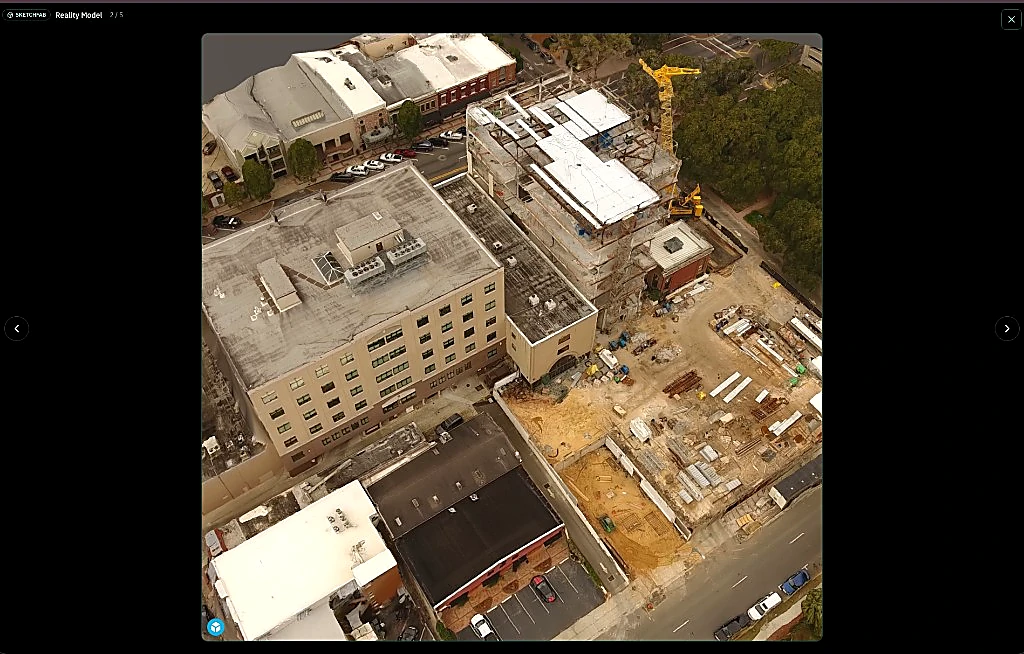
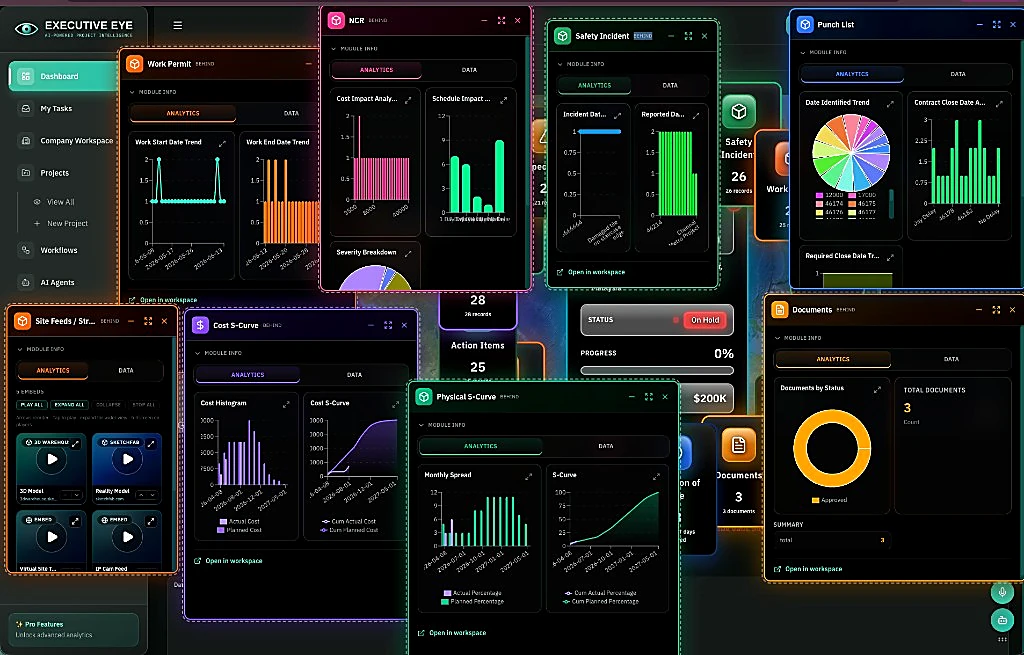
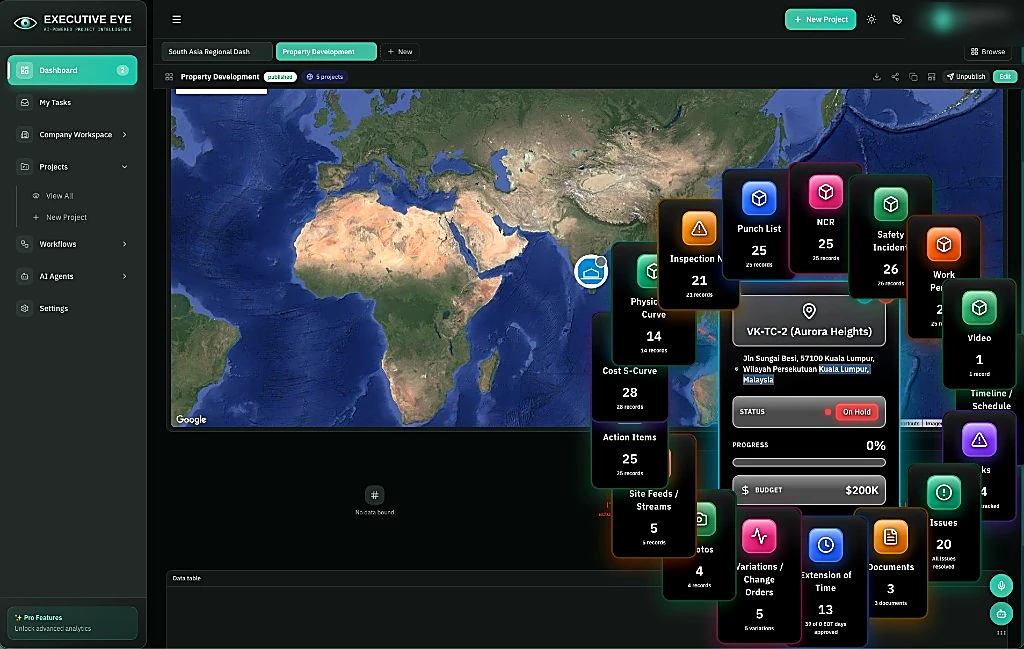
One geospatial canvas surfaces schedules, cost models and S-curves alongside site photos and videos, drone captures and CCTV feeds. Built for large control-center screens and mobile devices.
AI agents continuously analyse what is changing, investigate emerging issues and surface what needs attention. Ask questions in plain language, trigger workflows and move from insight to action — with human oversight where it matters.
AI & agentic capability
Executive Eye no longer waits to be looked at. AI agents continuously analyse connected project data, investigate emerging issues and surface what needs attention — with the evidence and context behind it.
AI agents watch. People decide. Executive Eye drives the follow-through.
Thresholds are drawn from your own baselines and past variance behaviour, not a generic rule library. Alerts fire on the leading indicator — a lengthening slab cycle, a slipping delivery, a response gone overdue — while there is still time to intervene.
Ask in plain language and get an answer grounded in the actual schedule, cost ledger, model and site imagery — with the evidence attached, not a summary of a summary.
Executive Eye brings together the latest project information for each stakeholder — highlighting what changed, what may be driving it, its potential impact and what needs attention. AI-generated insights are grounded in your connected project data and ready for review.
When an issue needs attention, Executive Eye can initiate the appropriate workflow — raise an RFI, request a reforecast, notify the responsible owner or escalate an overdue response. Approval gates and an audit trail keep people in control.
Project teams, executives and external stakeholders need different views of the same project. Executive Eye helps assemble role-specific storyboards from connected project information, so each audience sees the context and insights relevant to them.
Every project has requirements that don’t fit neatly into standard systems — a permit tracker, marine-window log, community complaints register or another project-specific process. Executive Eye Composer lets you configure fields, data sources, rules and views around those requirements, without starting a new software development project.
The canvas
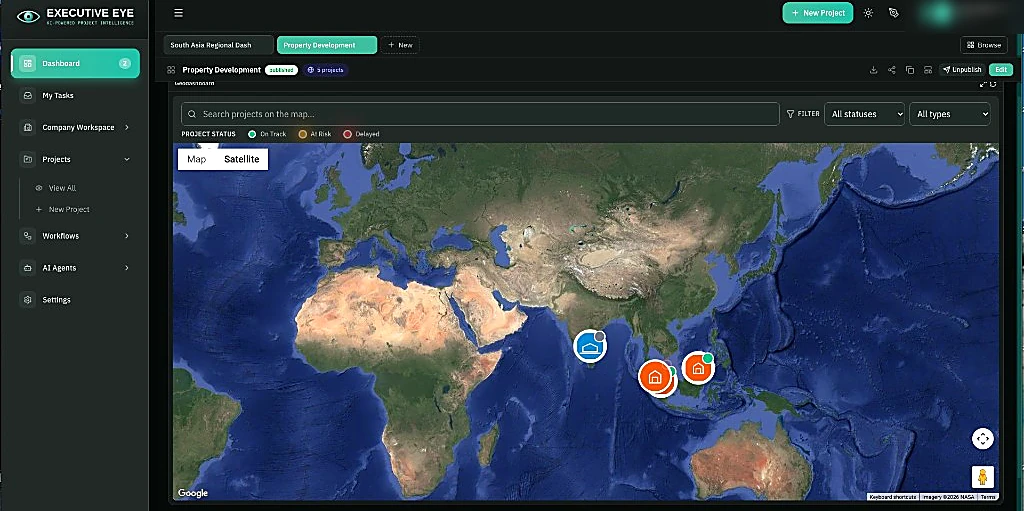
Executive Eye brings schedule, BIM and field imagery into the same project context — making it easier to compare planned progress with what is happening on site. Plan, progress and field evidence, together in one view.
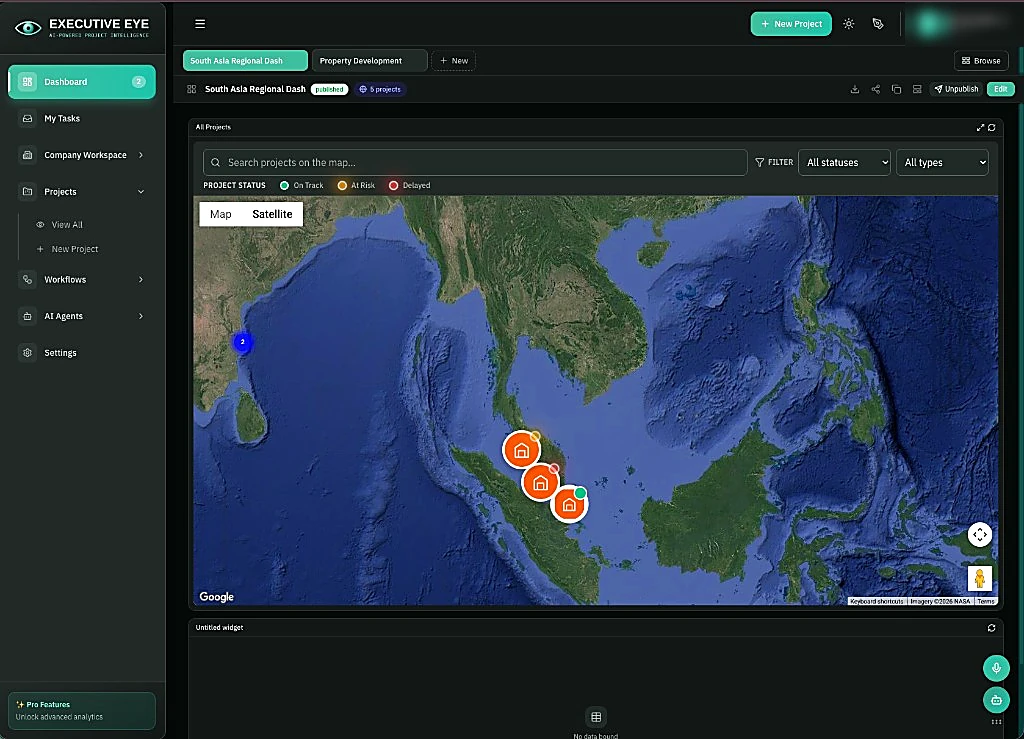
One live map for the whole portfolio
Integrations
Executive Eye connects to the systems your teams already use, bringing project data directly from the source — so reporting becomes a by-product of the work, rather than a second job.
Workflow builder · Beta
Design project workflows visually — from structured approvals and business rules to AI-assisted steps. Connect people, project systems and AI agents in one flow, with approvals and controls built in where they matter.
Build defined approval paths and business rules, or introduce AI-assisted steps where investigation and context are needed — all within the same workflow.
Combine human steps, conditions, parallel paths, timers, notifications, sub-workflows and system actions — visually connected in one flow.
Add AI agents and MCP-connected capabilities within the workflow, enabling them to work with authorised project data and tools as part of the process.
Connect workflow steps to the systems your projects already use — P6, Primavera Cloud, Aconex, Unifier, ERP and Executive Eye modules.
Coming soon · Agent builder
A no-code studio for creating project-specific AI agents. Define their role and instructions, connect the tools and knowledge they can use, set the guardrails — then bring them into Executive Eye workflows where they add value.
Review extension-of-time claim information against relevant contract documents and P6 schedule data. Identify related dates and activities, highlight potential issues and prepare a draft assessment for review.
Define what the agent is there to do, the instructions it follows and the outcomes it should support.
Give the agent controlled access to authorised project systems, tools and MCP-connected services.
Ground the agent in approved project information — contracts, standards, procedures and other relevant knowledge.
Define boundaries, approval gates and permissions that determine what the agent can access, recommend or initiate.
Anywhere the decision gets made
Executive Eye adapts to the screen in front of you, so the same connected project intelligence stays within reach — whether you’re reviewing performance in the control room, working at your desk or responding from site.
Plans & pricing
Pricing reflects the scale of your deployment, the systems you connect and the capabilities your teams need. We scope it with you, so you pay for the Executive Eye environment that fits your programme.
Start with the Executive Eye canvas, project intelligence, workflows and mobile access — then configure the capabilities and integrations your programme needs.
Pricing can reflect users, connected systems, AI usage, data volumes and the scale of your deployment — with room to grow as your programme evolves.
See Executive Eye working with your own P6 or Primavera Cloud data before making a wider commitment.
30-day trial availableTell us about your programme and we’ll help shape the right starting point.
Free trial
Bring your own P6 or Primavera Cloud programme and see it on the canvas — not a demo dataset. We’ll help you get connected and give your team 30 days on the full platform to decide if it fits.
Remote setup included · No change to how your teams work